
Mastering AI Prompts for Better Image Generation
Crafting effective prompts is essential for successful AI image generation. Start with key elements like characters, settings, and dimensions, then refine your style and emotion. With practice, you can master the art of prompt engineering for better results.
WORKUSAGEMODELSFUTURETOOLS
The AI Maker
7/2/20262 min read
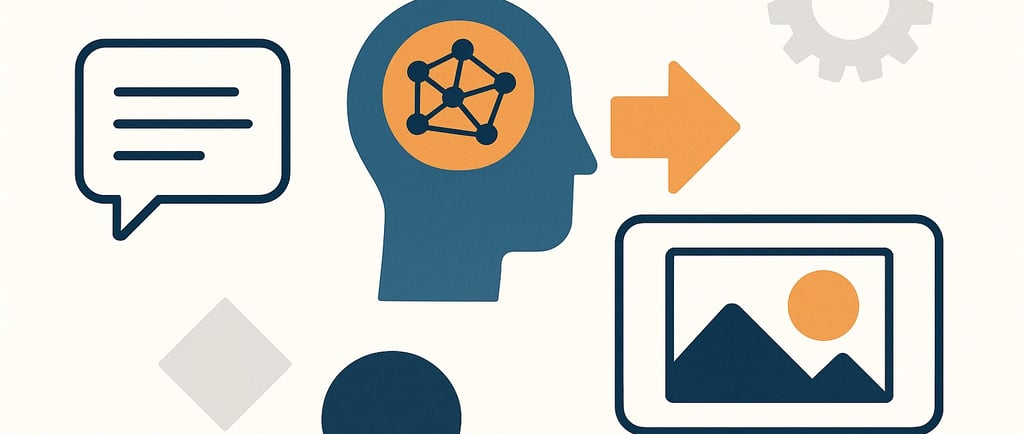
Anyone who has ever used an AI image or video generator knows that it isn't always straightforward to bring the perfect image from your imagination to life on the screen. If you’re not artistically inclined, describing your vision to an AI tool can feel like a daunting task. But don’t fret! The key to success lies in crafting an effective prompt.
Getting optimal results isn’t about luck; it’s about giving the AI a clear and detailed description of what you want. This process is known as prompt engineering (https://en.wikipedia.org/wiki/Prompt_engineering) , and while it sounds technical, you don’t need to be an AI expert to master it. It all boils down to including a few essential elements in your description to ensure the AI understands your vision.
Start with three fundamental elements: characters and elements in the scene, the setting where it takes place, and dimensions (like portrait or landscape). Once you have these basics nailed down, you can expand your prompt. However, it’s best to avoid including exclusionary or negative characteristics, as the AI may misinterpret them and produce results you didn’t want.
Next, specify the style and color palette you desire. Different styles serve different purposes; for example, photorealistic images are usually better for professional settings, while cartoons might work for creative projects. You can also guide the generator toward specific color schemes, whether you want warm or cool tones.
Don’t forget to describe the overall aesthetic, vibe, and emotion of the scene. This can elevate your images to another level. Use terms like abstract, fantasy, or vintage to give the AI a clearer sense of what you’re aiming for. If you’re focused on eliciting a particular emotional response, describing the emotional tone can also guide the generator effectively.
Even with a well-crafted prompt, AI image generators can still produce unexpected results. If your images don’t meet your expectations, tweaking your prompt is usually the quickest fix. However, if issues persist, consider revisiting the core elements of your prompt or adjusting the image dimensions.
Many AI image services offer post-generation editing tools to help fix minor issues. For instance, Adobe Firefly (https://www.adobe.com/products/firefly.html) provides extensive options for professional creators, while others like Leonardo (https://www.leonardo.ai) and Midjourney (https://www.midjourney.com) cater to different user needs.
If you’re still struggling to achieve the desired outcome, sometimes starting over is the best course of action. Revisiting your prompts and settings might feel like taking a step back, but it can lead to better results in the long run. Remember, AI image generators are tools to aid your creativity, not replacements for your artistic vision. With patience and practice, you’ll find the prompts that work best for you.
Your Data, Your Insights
Unlock the power of your data effortlessly. Update it continuously. Automatically.
Answers
Sign up NOW
info at aimaker.com
© 2024. All rights reserved. Terms and Conditions | Privacy Policy